
Quick races
A 100-meter race takes only a few seconds, so a retry never feels like a chore.
Sprinter works best with a physical keyboard. On a phone or tablet, connect a keyboard before starting.
The classic 100-meter dash
Alternate the left and right arrow keys, keep your rhythm, and race to the finish. Sprinter is free to play in your browser with no download or account.
A Flash-era track classic
Sprinter is a 100-meter racing game created by Gamedesign.jp. It first appeared in 2006, when browser games were built in Flash, and it still works because the whole idea is easy to understand: run faster by alternating the left and right arrow keys.
The interesting part is the timing. Pressing quickly helps, but pressing the same key twice or losing your cadence can make the runner stumble. Each win leads to a harder race, so the game gradually turns two simple controls into a real test of concentration.
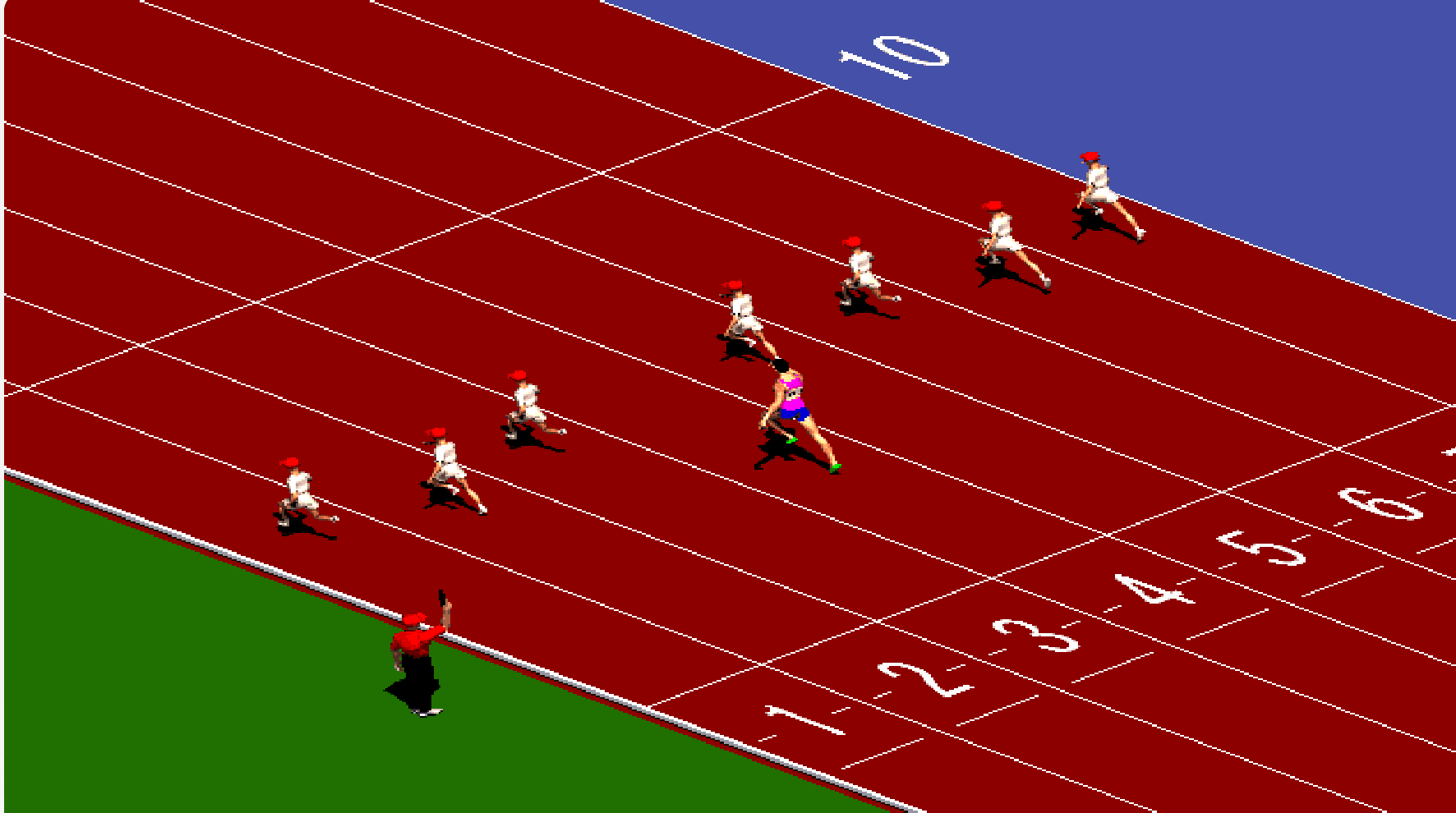
Controls
You only need two keys. The sequence below is enough to start racing, even if you have never played before.
Start the game, then click inside the play area so it can receive keyboard input.
Watch the starter. A clean reaction gives you a better chance in the opening meters.
Press Left and Right in sequence. A steady rhythm is faster than random key mashing.

If the arrow keys scroll the page
Click once inside the game screen, then try the arrow keys again. The game needs keyboard focus before it can read your inputs.
What to expect
A 100-meter race takes only a few seconds, so a retry never feels like a chore.
Every win moves you to a faster field where missed inputs are harder to recover from.
The controls are simple, but keeping an even left-right cadence takes practice.
Common questions
Sprinter is a browser-based 100-meter racing game by Gamedesign.jp. You control the runner by alternating the Left and Right Arrow keys and advance by winning each race.
Click inside the game first. This gives the game keyboard focus. Then alternate the Left and Right Arrow keys rather than pressing both at the same time.
The original game uses physical arrow keys, so a desktop or laptop gives the best experience. A phone or tablet needs a connected keyboard because the game does not include touch controls.
Sprinter Game has 12 levels. The opponents become faster as you progress, and later races leave less room for a missed input or slow start.
No. The game runs in the browser through Ruffle, a Flash emulator. There is no account, browser plugin, or separate installation.
A stumble usually means the left-right sequence was broken or the timing became uneven. Slow down briefly, recover the alternating pattern, and then build speed again.